Bring Your Images
to Life with Motion
Upload any image and let AI animate it into a realistic, moving video with natural motion, camera effects, and cinematic details.

intelli ai industrial
What is
Images to Video
Image to Video AI transforms a single static image into a dynamic video. The AI understands the elements inside your image, people, objects, background, lighting and adds realistic motion, depth, and camera movement to create a living scene.
How does it work?
Upload Your Image
Choose any photo, artwork, or illustration you want to animate. High-quality images produce the best results.
Describe the Motion You Want
Tell the AI how the scene should move. You can describe camera movement, object motion, or environmental effects.
AI Animates the Scene
The AI analyzes the image structure, detects depth, objects, and lighting, then applies natural motion and cinematic effects to create a smooth video.
Download Your Animated Video
Preview and download the final animated video, ready for social media, marketing, or creative use.
Prompt Used
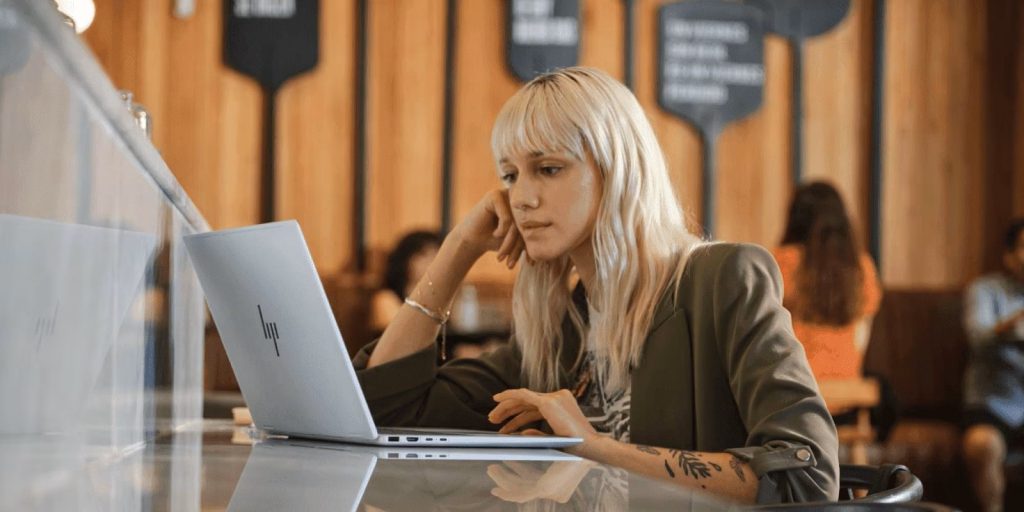
Create a short promotional video animation from this image of a woman sitting in front of a laptop. Animate the woman speaking,looking straight to camera in front and gesturing naturally as if she is explaining something about the laptop. Make her mouth and hand movements realistic and confident,with smooth body motion. Use a clean,modern style with light reflections and subtle camera movement for a professional tech-commercial feel.
Prompt Used
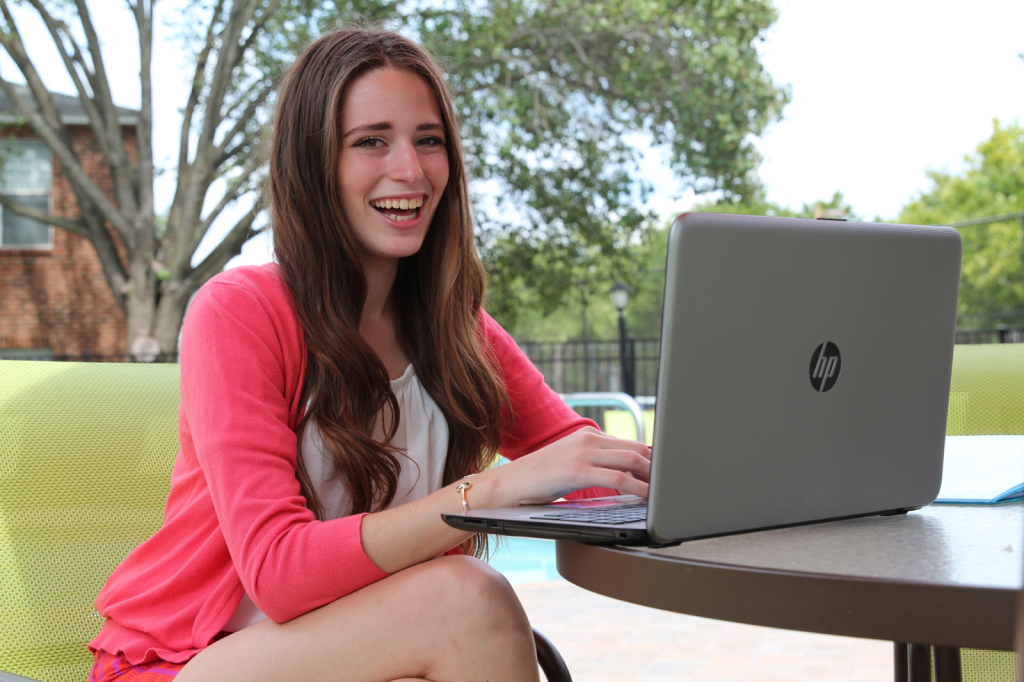
Create a short realistic video animation from this image. The scene shows a young woman sitting in front of a laptop at her desk. Animate her lightly typing on the keyboard, occasionally moving the mouse and looking at the screen as if she’s focused on work. Add subtle movements like blinking, breathing and slight head motions. The background and lighting should remain consistent with the original image. natural smooth animation, cinematic quality

Prompt Used
Transform this image of a woman sitting in front of a laptop into a short realistic video. The woman starts typing on the laptop, focusing on her work with natural hand and eye movements. The laptop screen glows slightly as she scrolls, clicks and switches between tasks. Soft daylight from a nearby window highlights her workspace, creating a calm and productive atmosphere. Subtle background motion, like a plant leaf moving or light shifting, adds realism. The overall mood should be professional, modern and inspiring showing a hardworking woman engaged in her laptop work.
Prompt Used
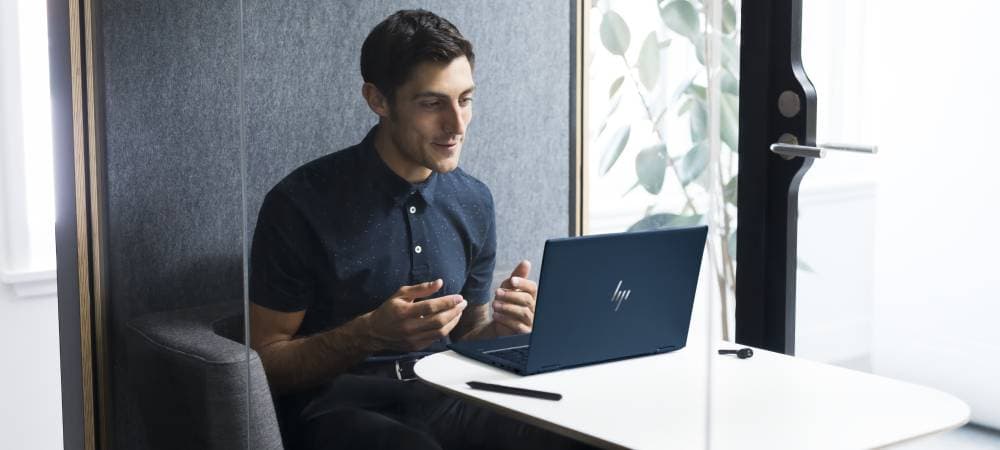
Create a short promotional video animation from this image of a man sitting in front of a laptop. Animate the man speaking and gesturing naturally as if he is explaining the features of the laptop in a product promo. Make his mouth and hand movements realistic and confident with smooth body motion. Use a clean, modern style with light reflections and subtle camera movement for a professional tech-commercial feel.
Prompt Used
Create a short realistic video animation from this image. The scene shows a young woman sitting in front of a laptop at her desk. Animate her lightly typing on the keyboard, occasionally moving the mouse and looking at the screen as if she’s focused on work. Add subtle movements like blinking, breathing and slight head motions. The background and lighting should remain consistent with the original image. natural smooth animation, cinematic quality
Prompt Used
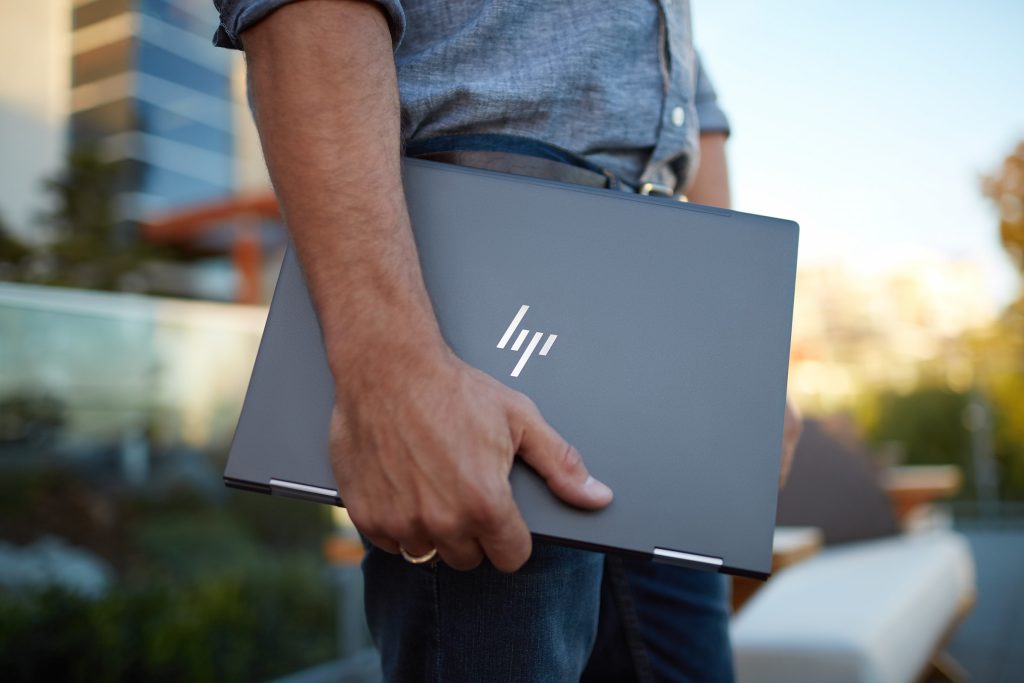
Animate the image of a man holding a sleek dark gray HP laptop outdoors. Create a smooth video sequence where the man walks confidently through a modern outdoor workspace. The sunlight subtly shifts, reflections move on the laptop surface and the camera slowly pans upward to capture the HP logo glinting in the light. Add a gentle breeze effect on his shirt and a shallow depth of field for a professional, cinematic look